USE CASES · SEO and AI visibility
Check your site for search engines and AI assistants every week, with fixes ready to paste
Yolias reads your pages the way a search engine does, writes the fixes you can paste, suggests keywords, and checks whether AI assistants cite or name you when buyers ask.
Updated:
Before we begin
Most sites lose search traffic to small things: a missing description, a page blocked from indexing, no sitemap. And buyers now ask AI assistants, which cite some companies and not others.
A weekly check catches what changed, and fixes you can paste remove the excuse to wait.
How it works
- Ask to check your SEO.
- Run it weekly (15 credits a run).
- Paste the fixes.
- Watch the score in Knowledge → Goal.
Step by step
Step 1
Ask
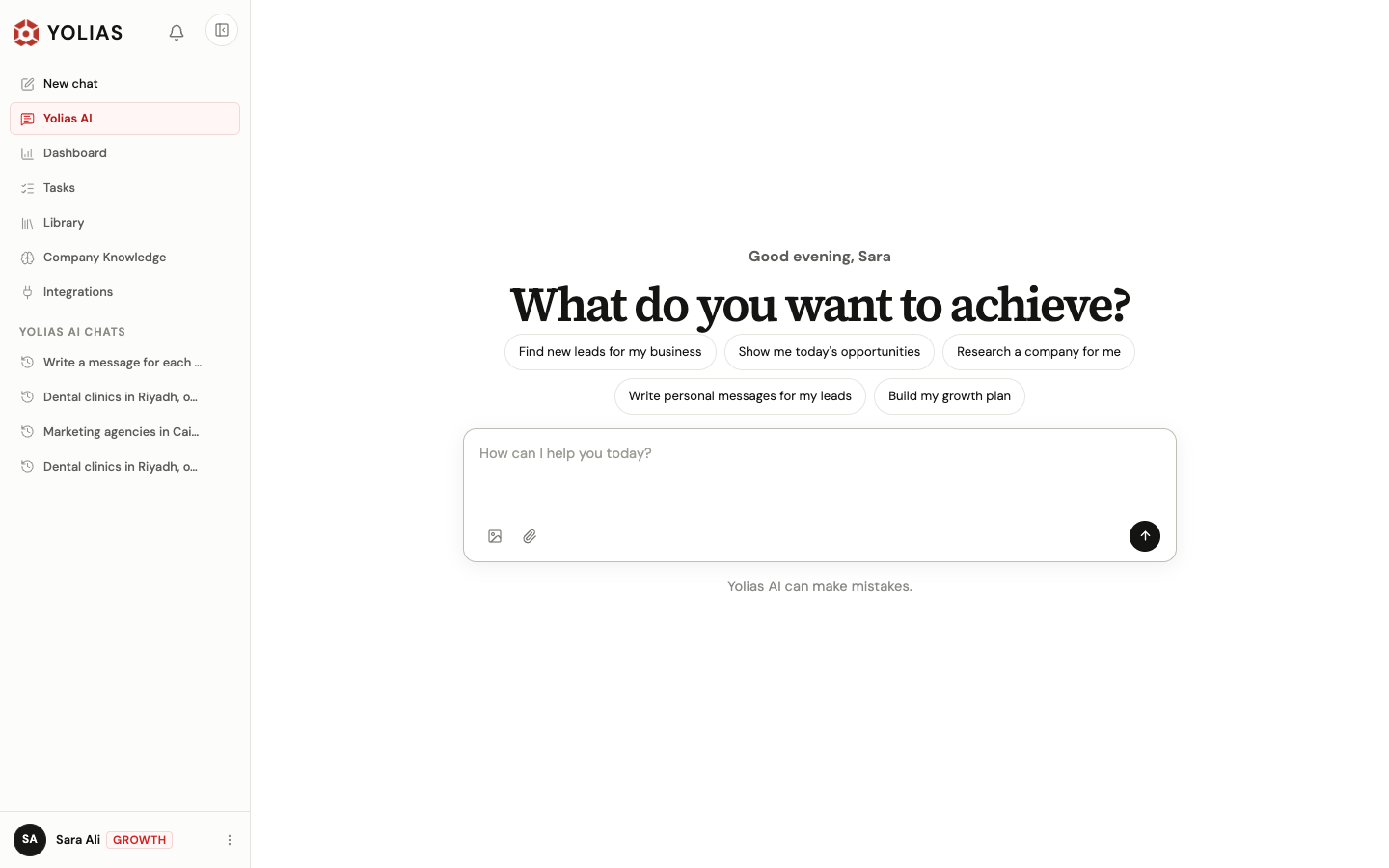
Where: Yolias AI
"Check my SEO and whether AI assistants mention us." It uses your website from Knowledge; you can add keywords to check.
What you should see: A card, weekly by default.
Screenshot from Yolias with sample data Step 2
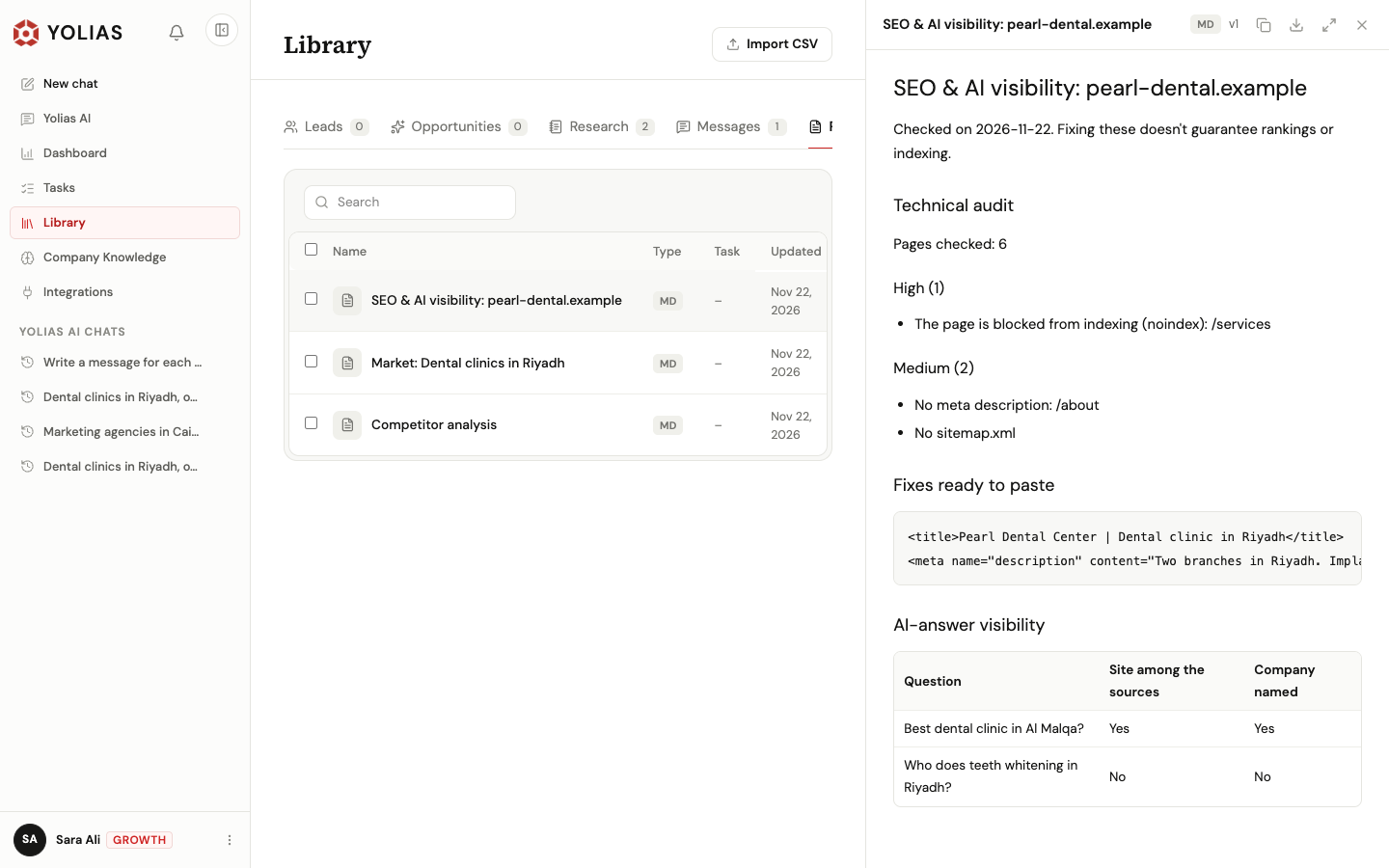
Read the report
Where: The side panel
The technical audit by severity, the fixes ready to paste (titles, descriptions and an llms.txt when you don't have one), ten keywords, and the AI-answer table: is your site among the sources, is your company named.
What you should see: A list of what to fix, already written.
Screenshot from Yolias with sample data Step 3
Keep it weekly
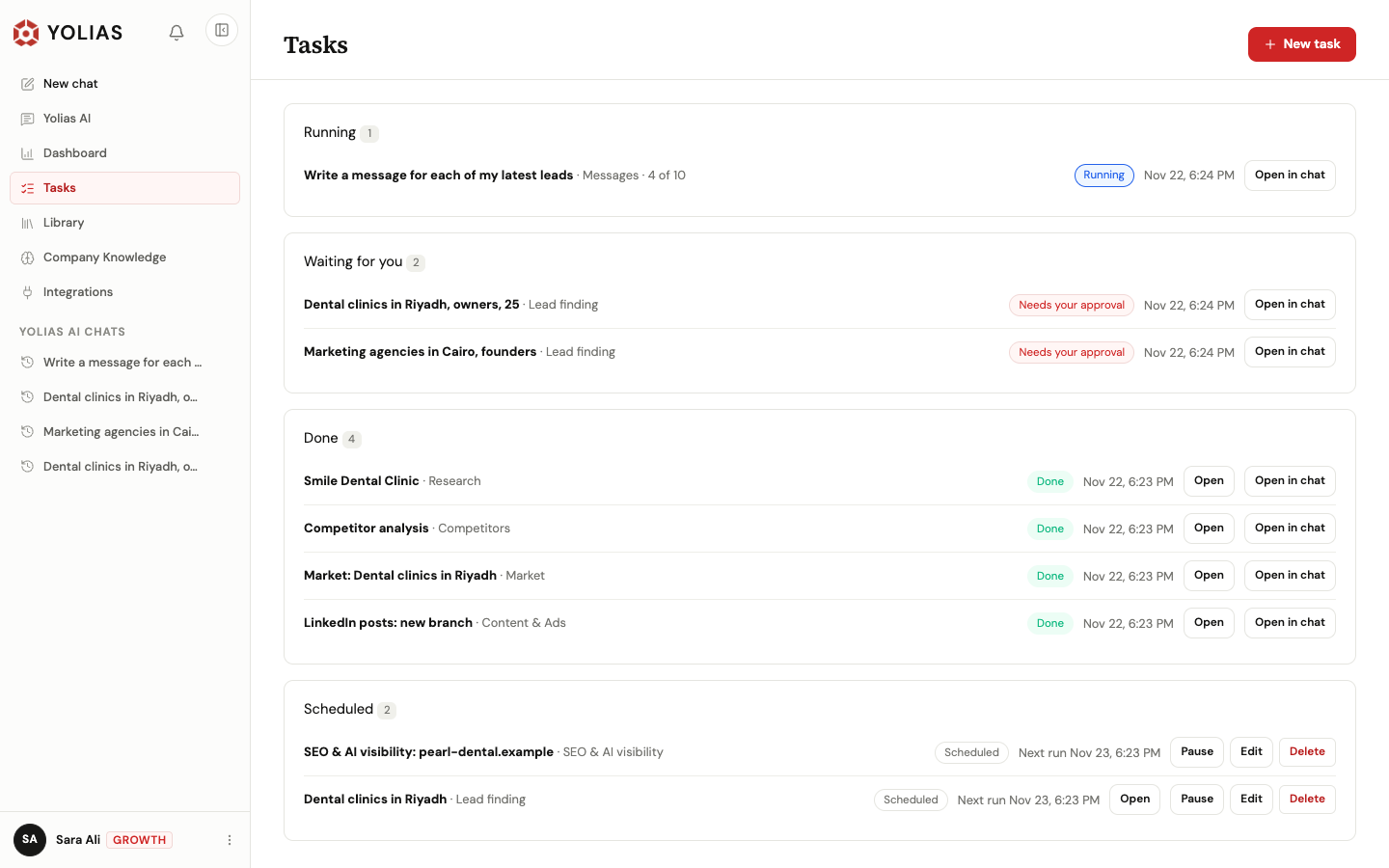
Where: Tasks
The task runs every week and adds a new version of the same report.
What you should see: A score you can watch improve.
Screenshot from Yolias with sample data
Act on the results
- Paste the fixes for high findings first.
- Add the llms.txt if you don't have one: it helps AI assistants describe you correctly.
- Fixing findings removes what holds a site back; it doesn't guarantee rankings.
Run this in Yolias
Sign up free and ask Yolias AI. Your first 50 credits are on us.
Start building now